Buying desktop computers in quantity is not simply a matter of choosing a processor and multiplying the order. Offices, computer labs, training centres, retail counters, and professional workstations can have very different computing requirements.
A well-planned Desktop Computer Wholesale purchase should balance performance, standardisation, upgrade potential, peripheral requirements, and overall cost.
Define Workloads Before Specifications
Start with the applications employees or users will run.
An office using browser-based tools, spreadsheets, email, and accounting software generally has different requirements from an engineering team using CAD or a media department working with large creative files.
Create workload categories before requesting configurations.
For example:
Basic productivity: documentation, email, browsing and billing.
Business multitasking: multiple applications, larger spreadsheets, CRM and communication platforms.
Professional workloads: design, development, engineering, editing, or specialised applications.
This prevents unnecessary spending on systems that are overpowered for simple tasks while reducing the risk of buying underpowered machines.
Standardisation Can Simplify IT Management
When businesses buy computers one at a time, they can end up with a mixture of processors, memory capacities, storage types, motherboards, and peripherals.
That makes maintenance more complicated.
Wholesale procurement provides an opportunity to standardise configurations across teams.
Benefits can include:
- Easier troubleshooting
- More predictable performance
- Simplified component replacement
- Consistent software deployment
- Easier inventory management
- More organised future upgrades
Consider RAM and Storage Carefully
Memory requirements depend on workload, but businesses should think beyond today's minimum requirements.
Storage deserves similar attention.
SSD-based systems generally provide faster everyday responsiveness than older hard-drive-based configurations. Capacity should then be selected according to whether data is primarily stored locally, on network storage, or through cloud services.
Do Not Forget Monitors and Peripherals
Desktop budgeting often focuses only on the computer itself.
The complete workstation may also require:
- Monitor
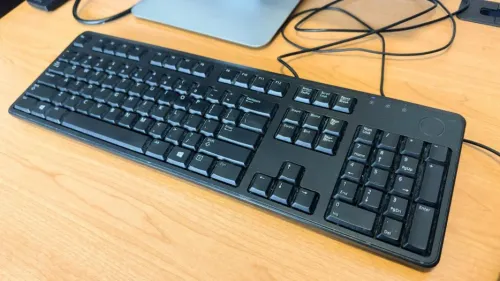
- Keyboard
- Mouse
- Webcam
- Headset
- Wi-Fi connectivity
- UPS or power protection
- Printer access
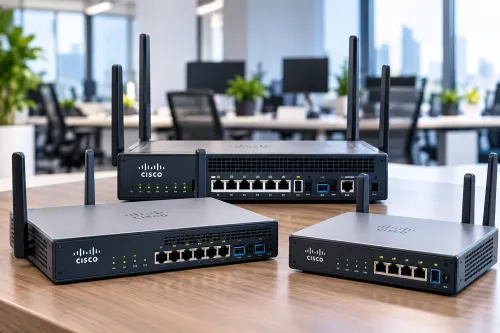
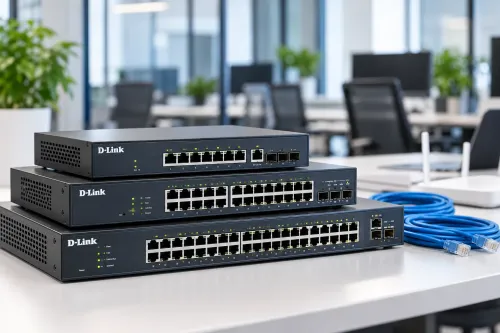
- Networking hardware
Compare complete deployment costs rather than CPU cabinet pricing alone.
Evaluate Upgrade Requirements
One advantage of many desktop configurations is their potential for future component upgrades.
Before selecting a system, consider likely requirements for additional memory, storage, graphics, expansion cards, or peripheral connectivity.
Businesses planning three to five years ahead may value expandability differently from institutions purchasing machines for basic training tasks.
Factor in the Working Environment
Delhi offices range from compact professional setups to larger commercial facilities and institutional computer labs.
Physical conditions matter.
Check desk space, ventilation, electrical points, network availability, monitor positioning, and cable management before finalising equipment quantities.
Ahooweb Sales-Digi Tech provides computer hardware and related IT products for customers in Delhi. For organisations evaluating bulk desktop procurement, discussing workloads and deployment requirements before choosing specifications can make the purchase more practical.
The key is to treat desktop wholesale purchasing as an IT infrastructure decision rather than a simple hardware transaction. Matching configurations to actual workloads can improve utilisation while keeping unnecessary hardware expenditure under control.
Keywords