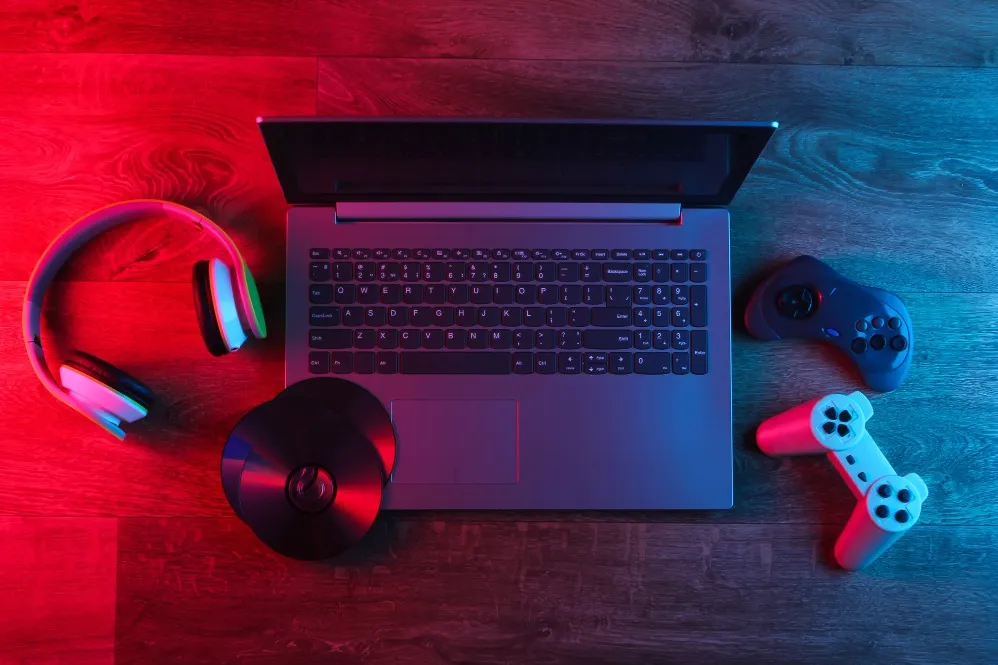
Gaming laptops combine performance hardware with portability, but specifications that look impressive on a product listing do not always translate into the same gaming experience.
Before purchasing a Lenovo IdeaPad Gaming Laptop, users should understand how the processor, graphics hardware, memory, display, storage, cooling, and power configuration work together.
Start With the Games You Actually Play
Not every gamer needs the same hardware.
Competitive games, casual titles, simulation games, and graphically demanding AAA releases can have very different system requirements.
Before comparing laptops, make a short list of the games you currently play and those you expect to play in the near future.
Then review their recommended rather than minimum requirements.
This creates a realistic performance target.
Graphics Hardware Is a Major Factor
The GPU plays a central role in gaming performance.
However, buyers should not evaluate graphics hardware by model name alone. Laptop graphics performance can vary according to the overall system configuration and thermal design.
Consider the display resolution and desired graphics settings alongside the GPU.
Running games at higher visual settings generally demands more graphics resources.
Processor Performance Still Matters
While the GPU is critical, gaming systems also depend on processor performance.
The CPU can affect frame rates in processor-intensive titles and becomes particularly relevant when gaming is combined with streaming, multitasking, development, editing, or other workloads.
A balanced CPU-GPU combination is usually preferable to an expensive component paired with an obvious bottleneck elsewhere.
Memory Can Affect the Experience
Modern gaming and multitasking can consume substantial memory.
Check:
- Installed RAM
- Memory configuration
- Upgrade options
- Maximum supported capacity
Users planning to keep the laptop for several years may value upgrade flexibility.
Storage Fills Faster Than Expected
Game installation sizes can be large.
An SSD provides fast loading and system responsiveness, but capacity can become restrictive when several large games are installed simultaneously.
Think about your actual game library rather than choosing storage based only on initial budget.
Check whether the laptop provides practical options for future storage expansion.
Display Specifications Deserve Attention
A gaming laptop's screen is part of the performance experience.
Evaluate:
- Resolution
- Refresh rate
- Screen size
- Viewing quality
- Brightness requirements
Competitive players may value higher refresh rates, while users who also create visual content may prioritise other display characteristics.
Cooling and Usage Environment Matter
Gaming hardware generates heat under sustained workloads.
Use the laptop on a stable surface that allows appropriate airflow rather than blocking ventilation with soft furnishings.
Buyers should also consider fan behaviour and thermal performance when evaluating a gaming system for long sessions.
Think Beyond Gaming
Many users in Delhi purchase gaming laptops for mixed use, including college work, programming, design, video editing, streaming, and entertainment.
Ahooweb Sales-Digi Tech serves customers looking for laptops and related computer products for different performance requirements.
Before selecting a Lenovo IdeaPad gaming configuration, compare the entire system rather than chasing one headline specification. A balanced combination of graphics, processing power, RAM, SSD capacity, display quality, and thermal design is more likely to deliver a satisfying long-term experience.
Keywords