Computer accessories can appear straightforward until a retailer or organisation has to manage dozens of product categories, connector standards, device types, and price segments.
For Computer Accessories Wholesale purchasing, the challenge is not finding more products. It is deciding which products deserve inventory space.
Start With High-Frequency Requirements
Accessories that solve everyday computing needs generally deserve priority.
Depending on the customer base, these may include:
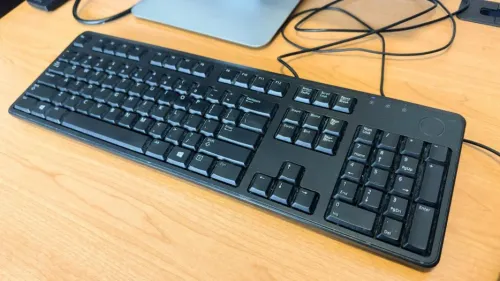
- Keyboards
- Mice
- Laptop adapters
- USB hubs
- Cables
- Storage devices
- Headsets
- Webcams
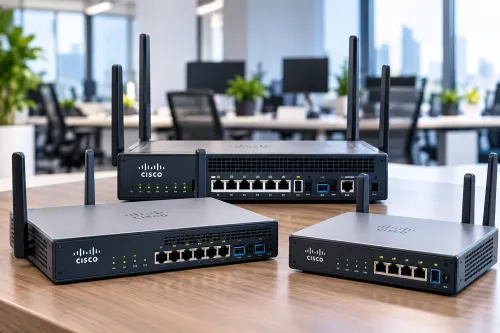
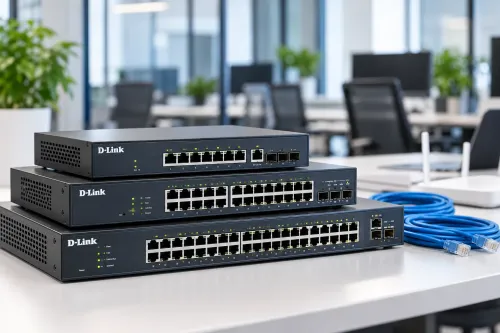
- Networking accessories
- Printer-related products
Review actual customer enquiries rather than assuming every accessory category will sell equally.
Separate Essential Stock From Optional Stock
One useful inventory approach is to divide accessories into three groups.
Core products have regular demand and should normally remain available.
Secondary products have moderate demand and can be stocked in controlled quantities.
Specialised products serve narrower requirements and may be sourced according to customer demand.
This approach reduces the risk of tying too much capital to slow-moving inventory.
Compatibility Should Be Easy to Understand
Accessories increasingly depend on standards such as USB-A, USB-C, HDMI, DisplayPort, Bluetooth, Wi-Fi generations, and device-specific charging connectors.
Incorrect compatibility information creates returns.
Product labels and sales records should therefore include relevant connector types, supported standards, and device requirements wherever applicable.
Compare Build Quality With Intended Use
The cheapest accessory is not automatically the most economical choice.
A keyboard used occasionally at home has a different usage pattern from one installed at a billing counter for daily commercial operation.
Similarly, cables and adapters used in offices may be connected and disconnected repeatedly.
Wholesale buyers should match product quality with expected usage intensity rather than applying one purchasing standard to every customer.
Consider Product Bundling
Accessories can also be planned around complete use cases.
A new desktop setup may require:
- Keyboard
- Mouse
- Monitor cable
- Webcam
- Headset
- Power accessories
A laptop user might need:
- Adapter
- Mouse
- Laptop stand
- USB hub
- External storage
For retailers, understanding these relationships can help maintain complementary inventory. For offices, bundling requirements can simplify workstation deployment.
Watch Inventory Turnover
Computer accessories change quickly as device standards evolve.
An excessive quantity of older connector types can become difficult to move when customer devices shift toward newer standards.
Review inventory periodically and identify:
- Fast-moving products
- Slow-moving products
- Frequently requested missing items
- Products with rising compatibility issues
- Categories affected by newer technology standards
Delhi's broad base of students, businesses, professionals, institutions, gamers, and home users creates varied accessory requirements. Ahooweb Sales-Digi Tech caters to computer and electronics needs within this environment.
For wholesale buyers, successful accessory procurement depends on demand visibility, compatibility management, sensible quantities, and customer-use understanding. A smaller range that consistently solves real requirements can be more valuable than an oversized catalogue filled with products customers rarely request.
Keywords