Business connectivity is no longer limited to a few desktop computers accessing the internet. Modern workplaces may connect laptops, smartphones, printers, collaboration devices, cloud applications, cameras, and other network equipment throughout the working day.
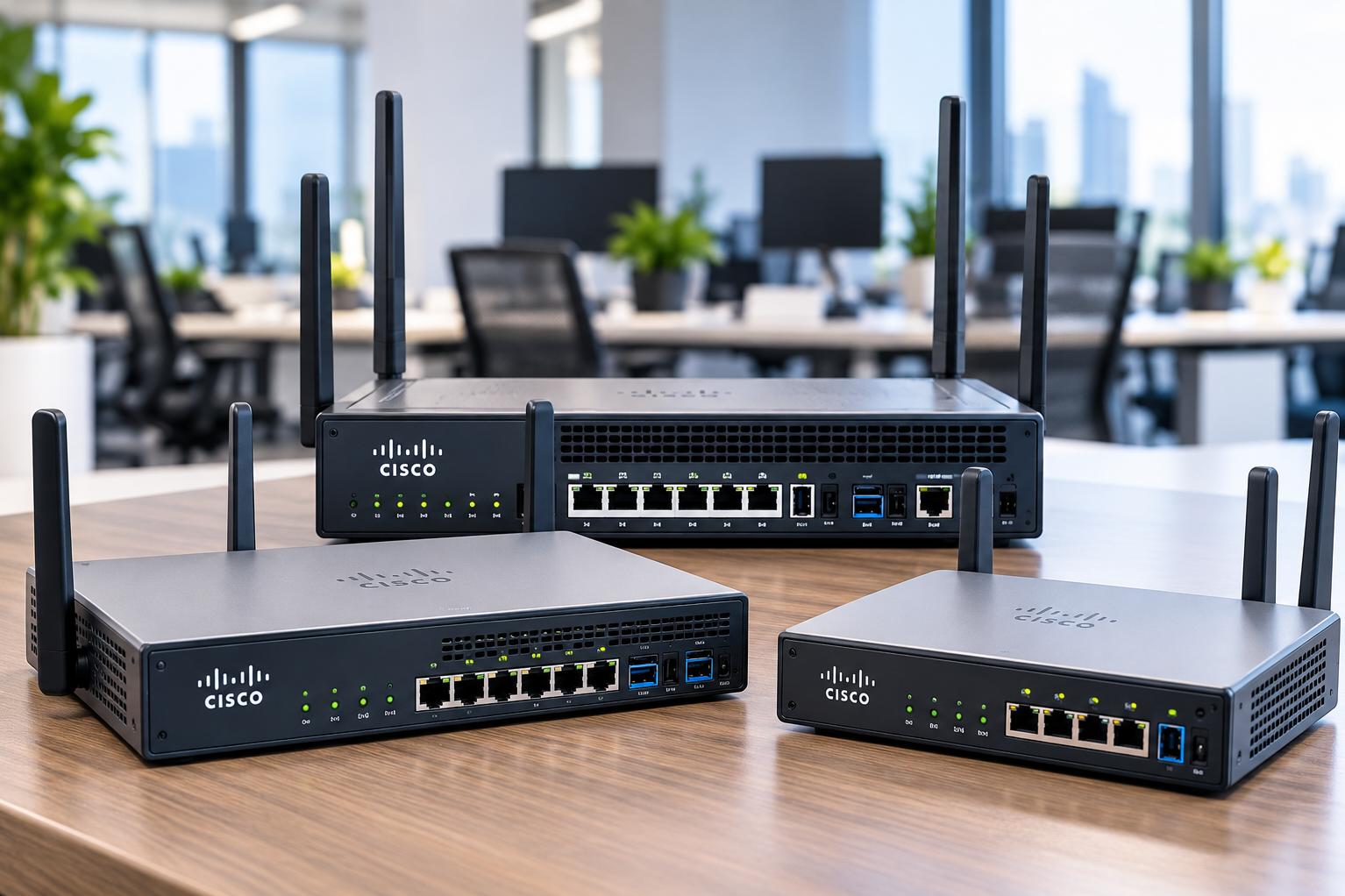
When evaluating Cisco Catalyst Dual Band Routers or related business networking solutions, organisations should begin with their network requirements rather than selecting equipment purely from a specification sheet.
Start With User and Device Counts
The number of employees does not equal the number of connected devices.
One employee might use a laptop and smartphone while also accessing network printers and other shared systems.
Create an inventory covering:
- Employee computers
- Mobile devices
- Printers
- Meeting room systems
- Wireless devices
- Network storage
- Security equipment
- Guest connectivity requirements
This provides a more realistic picture of network demand.
Understand Dual-Band Wireless
Dual-band networking commonly refers to wireless operation across different frequency bands.
The practical objective is to provide appropriate wireless connectivity according to device compatibility, coverage conditions, interference, and network design.
However, wireless performance cannot be predicted from the router specification alone.
Walls, floor layouts, neighbouring networks, device placement, and access point locations all influence real-world results.
Coverage Requires Planning
A router placed wherever the internet connection enters the office may not provide ideal coverage throughout the premises.
Before installation, consider:
- Office size
- Number of floors
- Wall construction
- Meeting rooms
- High-density seating areas
- Areas with weak existing signals
- Locations of wired network points
Larger offices may require a broader wireless network design rather than depending on one device.
Security Should Be Part of Selection
Business networks carry operational information and may provide access to internal systems.
Security planning should therefore be treated as a core requirement.
Organisations should consider appropriate network configuration, access controls, firmware management, guest access policies, password practices, and segmentation requirements based on their environment.
Hardware alone does not create a secure network. Configuration and ongoing administration matter as well.
Consider Business Continuity
Connectivity interruptions can affect cloud applications, communication, payments, customer service, and internal workflows.
When planning networking equipment, businesses should ask:
- Which operations depend on connectivity?
- How disruptive would an outage be?
- Is backup internet required?
- Is power backup available for network equipment?
- Who manages configuration and troubleshooting?
- Is network documentation maintained?
These questions help organisations think beyond the initial router purchase.
Check Compatibility With Existing Infrastructure
New networking equipment must operate within an existing environment.
Review switches, cabling, access points, internet connections, network architecture, and connected devices before selecting new hardware.
Replacing one component without understanding the rest of the network can leave the original performance problem unresolved.
When Professional Network Assessment Helps
For a small home office, equipment selection can be relatively straightforward.
For businesses with many employees, multiple rooms, CCTV infrastructure, shared resources, or specialised security requirements, network assessment becomes more valuable.
Ahooweb Sales-Digi Tech works with computer, electronics, CCTV, and IT-related requirements for customers in Delhi. Businesses considering networking upgrades can benefit from documenting their current infrastructure and expected expansion before selecting equipment.
A router should ultimately support the network it is being installed into not merely look impressive on paper. User density, wireless coverage, device compatibility, security requirements, existing infrastructure, and future growth are the factors that should drive a business networking decision.
Keywords