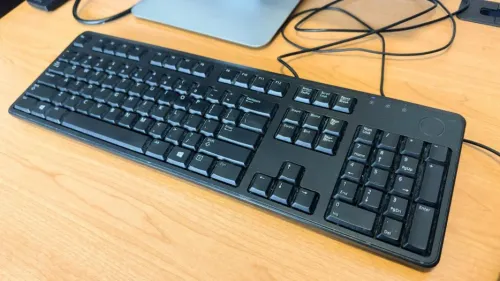
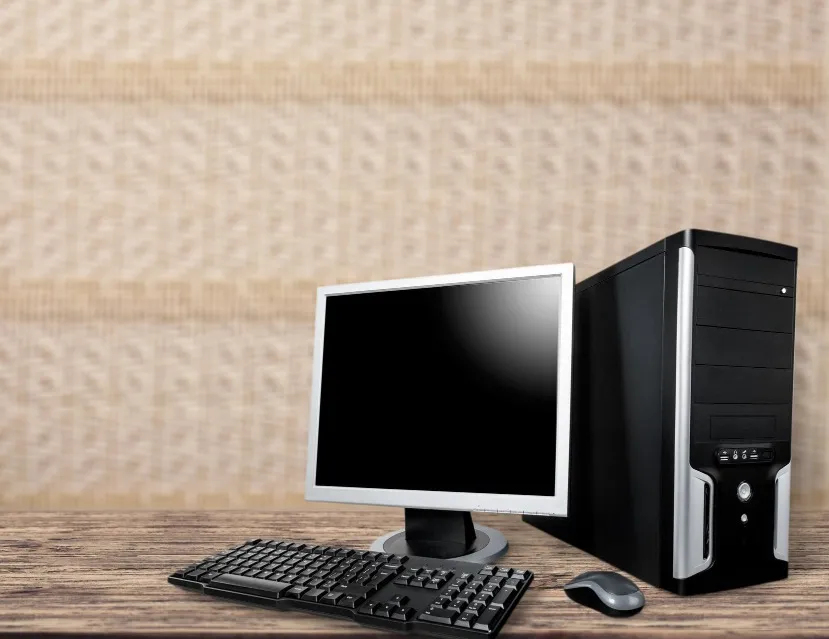
Desktop computers remain highly relevant for workplaces where systems are used at fixed desks for long hours. They are common in offices, reception areas, educational labs, billing counters, administrative departments, and professional work environments.
When considering a Dell Desktop Computer, buyers should focus on workload suitability rather than selecting a machine purely because of processor branding or cabinet appearance.
Identify the Work the Desktop Will Perform
The most important question is simple: what will users do on the system every day?
Typical office tasks include:
- Web applications
- Word processing
- Spreadsheets
- Accounting software
- Video meetings
- Data entry
- CRM platforms
More specialised teams may require software development tools, graphics applications, engineering programs, or other resource-intensive software.
The specification should follow the workload.
Processor Selection Needs Context
Processor names can be confusing because generation and specific model matter alongside the product family.
A buyer should compare the exact processor specification rather than assuming that every system carrying a familiar processor label offers equivalent performance.
For general office computing, balance matters more than chasing the highest specification.
RAM Influences Multitasking
Insufficient memory can become noticeable when users keep multiple browser tabs and business applications open simultaneously.
Businesses should evaluate how employees actually work.
An employee using only a billing application may need less memory than someone switching continuously between spreadsheets, browsers, communication software, and business platforms.
SSD Storage Improves Everyday Responsiveness
Storage technology can strongly influence how fast a desktop feels during normal use.
SSD-based configurations can improve startup times and application responsiveness. Capacity should then be selected based on the organisation's local data requirements.
Companies using network or cloud storage may require less local capacity than users handling large files directly on the desktop.
Check Connectivity Before Purchasing
Ports are easy to overlook until deployment.
Review requirements for:
- USB devices
- Monitors
- Network connection
- Audio devices
- Printers
- External storage
- Additional displays
If the desktop will become part of an existing office environment, confirm that its connectivity matches the peripherals already in use.
Think About Future Maintenance
Businesses purchasing multiple desktops should consider configuration consistency.
Having similar systems across a department can simplify IT support, troubleshooting, software deployment, and component planning.
Documenting each system's configuration also helps when upgrades are needed later.
Match the Form Factor to Available Space
Desktop systems come in different physical sizes.
Compact workspaces may benefit from smaller form factors, while other environments may prioritise easier internal expansion.
Measure the workstation before purchasing rather than discovering after installation that the cabinet interferes with legroom, ventilation, or cable routing.
Delhi businesses have diverse computing requirements ranging from small professional offices to institutions and larger commercial operations. Ahooweb Sales-Digi Tech supplies computer and IT-related products for customers evaluating systems for such environments.
A suitable Dell desktop should ultimately fit three things: the software workload, the physical workspace, and the organisation's longer-term IT requirements. Evaluating all three produces a much stronger buying decision than comparing specifications in isolation.
Keywords