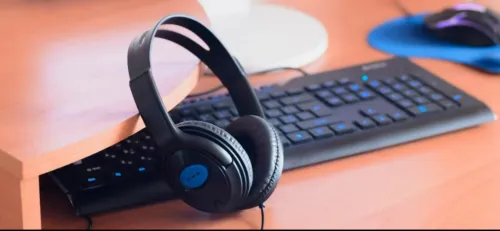
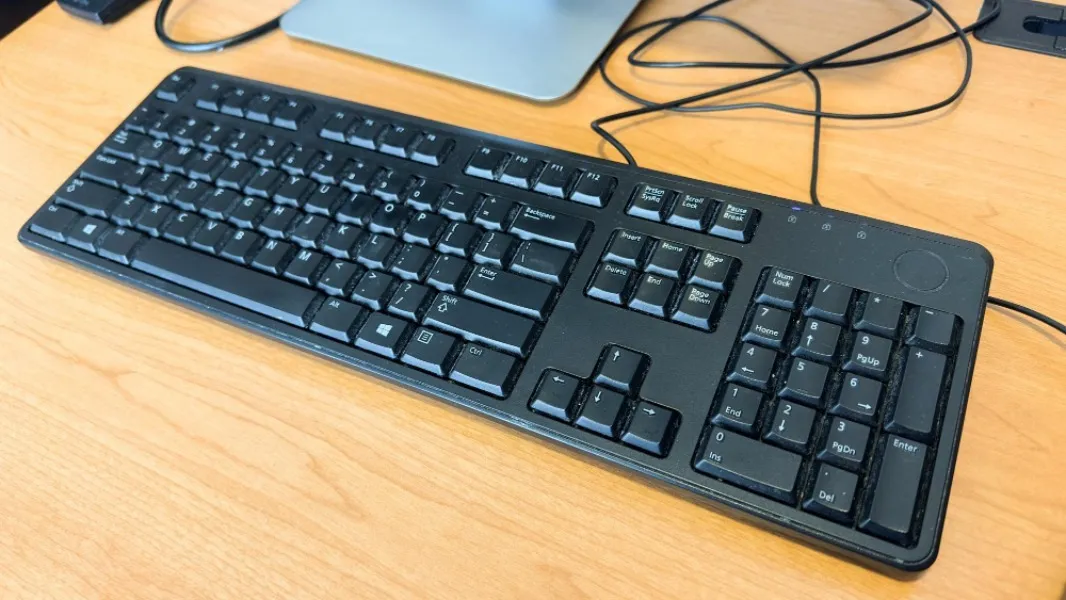
A keyboard is one of the most frequently used parts of a computer setup, yet it often receives less attention than processors, monitors, or storage. For users who type for several hours each day, keyboard selection can directly affect comfort, productivity, and the overall desktop experience.
An HP Wired Keyboard can suit many fixed workstation environments, but buyers should still evaluate layout, connection type, usage pattern, desk setup, and maintenance needs before selecting one.
Why Choose a Wired Keyboard?
Wireless peripherals are useful where cable-free desks or mobility matter. Wired keyboards, however, remain practical in many environments.
They can be especially suitable for:
- Office desks
- Reception counters
- Billing stations
- Computer laboratories
- Home desktops
- Training centres
- Shared workstations
Because the connection is physical, users do not need to manage wireless pairing or routinely think about batteries.
Check the Layout First
Keyboard layouts can differ in subtle ways.
Before purchasing, consider whether users require:
- Full-size number pad
- Function keys
- Dedicated navigation keys
- Multimedia controls
- Standard key spacing
For accounting, billing, and spreadsheet-heavy roles, a numeric keypad may be particularly useful.
Compact layouts may save desk space but are not automatically better for every type of work.
Consider Typing Requirements
Someone entering occasional search queries has different needs from an employee writing reports for several hours.
Users who perform extensive typing should pay attention to key feel, spacing, keyboard height, and workstation ergonomics.
The keyboard should also sit at a comfortable distance from the user without forcing awkward wrist or shoulder positions.
USB Availability Matters
Most modern wired keyboards connect through USB, but office buyers should still check available ports.
This is especially important with compact desktops, docking arrangements, and laptops where several USB devices may already be connected.
If workstations also use wired mice, external drives, webcams, printers, or specialised equipment, port planning becomes relevant.
Wired Keyboards in Shared Environments
Shared keyboards in laboratories, training centres, and office hot desks may experience heavier usage than personal home peripherals.
In such environments, practical considerations include:
- Ease of cleaning
- Key durability
- Cable condition
- Clear key markings
- Stable desk positioning
- Straightforward replacement
Institutions buying multiple units may also benefit from using consistent keyboard models across workstations.
Avoid Buying Only by Appearance
Keyboard design is subjective, but functionality should come first.
A visually attractive keyboard is not useful if the layout conflicts with the user's daily work. Similarly, additional features may provide little value when the requirement is simply dependable typing and data entry.
For computer users in Delhi, peripheral requirements vary widely between home setups, educational facilities, gaming desks, professional offices, and commercial counters. Ahooweb Sales-Digi Tech supplies computer accessories and related IT products for customers with these different requirements.
When selecting an HP wired keyboard, assess the workstation rather than the keyboard alone. Layout, typing frequency, available desk space, USB connectivity, and user comfort determine whether a particular keyboard is genuinely suitable for everyday use.
Keywords