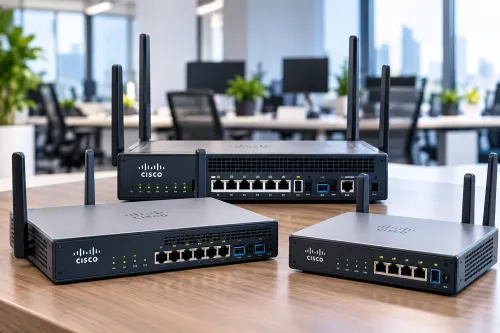
As businesses add computers, printers, access points, IP cameras, servers, and other network-connected equipment, the number of required Ethernet connections can grow quickly.
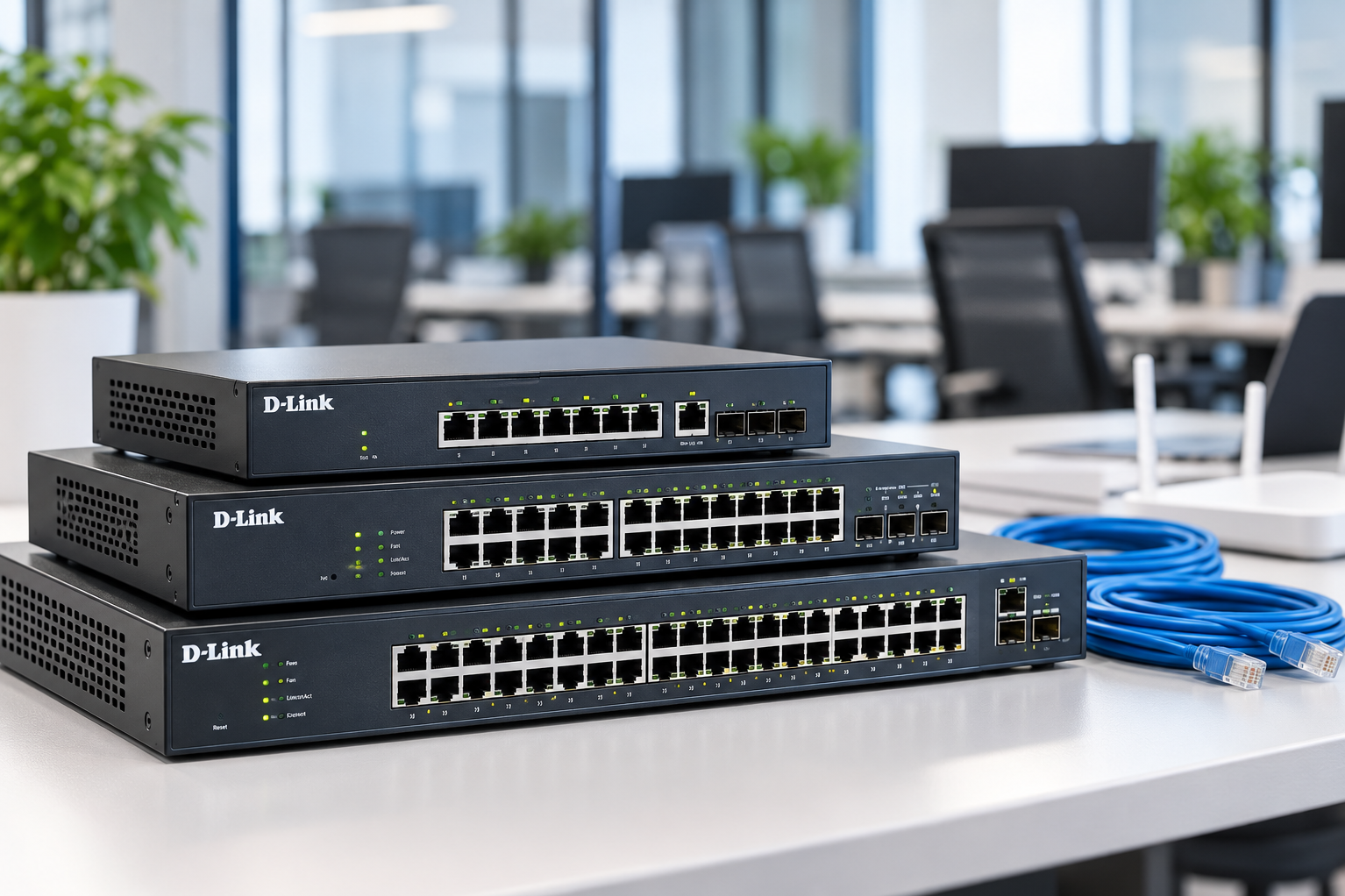
D-Link Networking Switches can form part of an organised wired network, but choosing the right switch requires more than counting the computers currently in the office.
Understand What a Network Switch Does
A network switch connects multiple devices within a local network so they can communicate through Ethernet connections.
Typical connected equipment can include:
- Desktop computers
- Network printers
- Servers
- Wireless access points
- IP cameras
- Network storage
- VoIP devices
The switch becomes an important part of the network's physical infrastructure.
Count Ports With Future Growth in Mind
A common mistake is buying a switch with just enough ports for today's equipment.
Suppose an office currently needs connections for ten devices. Selecting a switch with almost no spare capacity may create another purchasing requirement when new staff, cameras, printers, or access points are added.
Document current connections and estimate likely additions.
A reasonable amount of spare capacity can make future expansion easier.
Managed Features Depend on Network Complexity
Not every organisation needs the same level of network control.
Smaller straightforward networks may have relatively simple switching requirements. Larger environments can require greater visibility and management capabilities.
Before selecting equipment, discuss whether the network requires features related to traffic management, segmentation, monitoring, or other administrative controls.
The decision should follow the network design rather than the assumption that more features are automatically better.
Check Speed Requirements
Network performance depends on several components, including the switch, connected devices, cabling, network architecture, and upstream connectivity.
Identify the speed supported by existing equipment and what applications will run across the local network.
File transfers, network storage, video workloads, and other data-heavy activities can place different demands on infrastructure compared with basic internet browsing.
Consider PoE Requirements
Some network environments use Power over Ethernet to provide both data connectivity and electrical power to compatible equipment through Ethernet cabling.
This can be useful for certain access points, IP cameras, and VoIP devices.
If PoE is required, confirm compatibility and calculate power requirements instead of assuming every port can support every connected device.
Plan the Physical Installation
Networking equipment needs an appropriate installation location.
Consider:
- Ventilation
- Rack or shelf space
- Cable routing
- Power availability
- UPS requirements
- Access for maintenance
- Labelling
A well-labelled switch and patching arrangement makes future troubleshooting substantially easier.
Map the Network Before Buying
Create a basic network map showing every wired device, access point, camera, printer, server, and uplink.
This simple exercise can reveal the required port count and highlight areas where additional infrastructure is necessary.
Businesses in Delhi often expand their networks gradually as teams, CCTV systems, and digital operations grow. Ahooweb Sales-Digi Tech provides networking and IT-related products for organisations assessing these requirements.
Choosing a network switch should therefore begin with network structure, device count, bandwidth requirements, management needs, and future expansion. Selecting equipment around those factors produces a more scalable solution than choosing only by price or current port usage.
Keywords